
Ovation
Public speaking training in virtual reality


Ovation
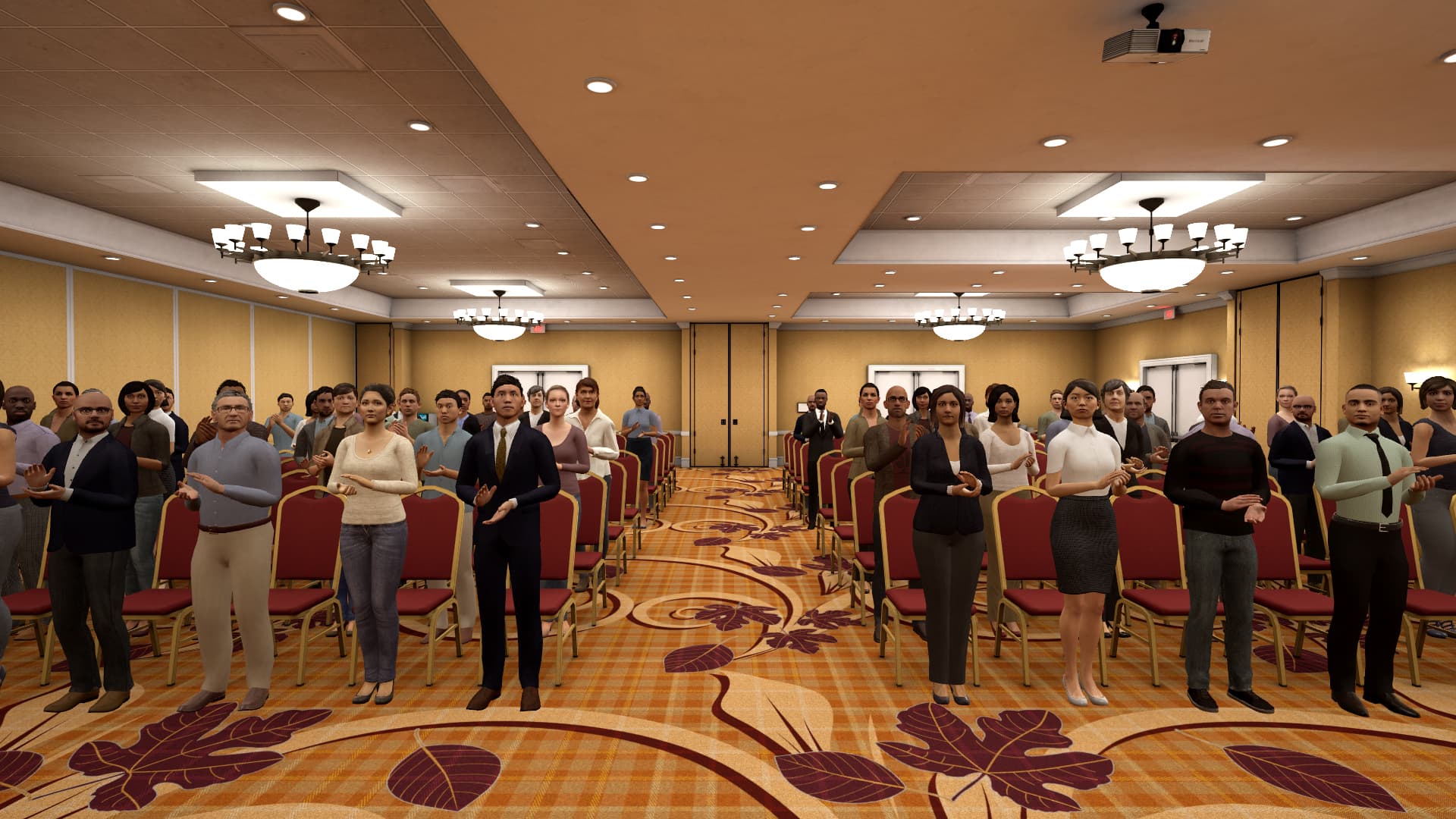
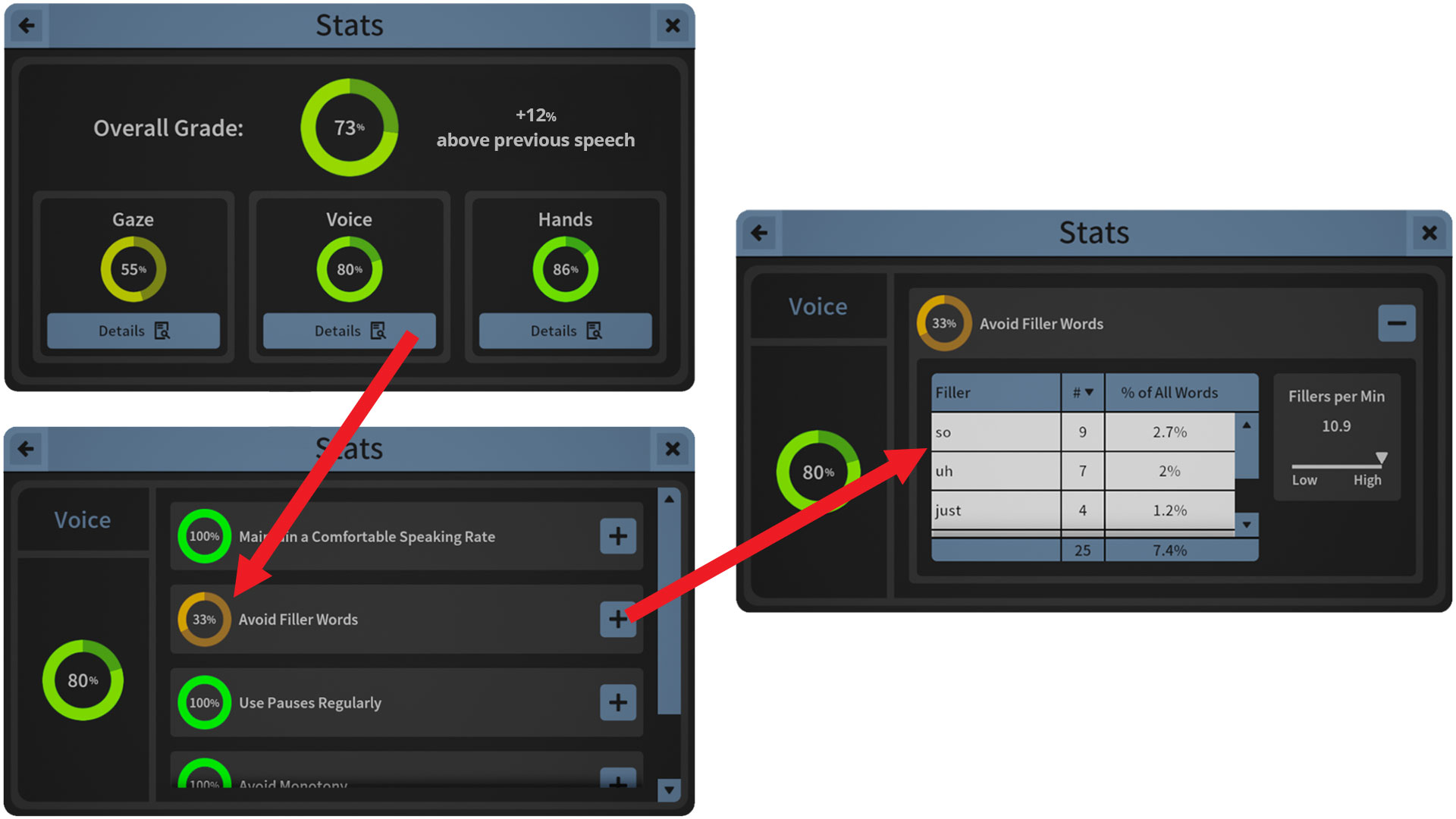
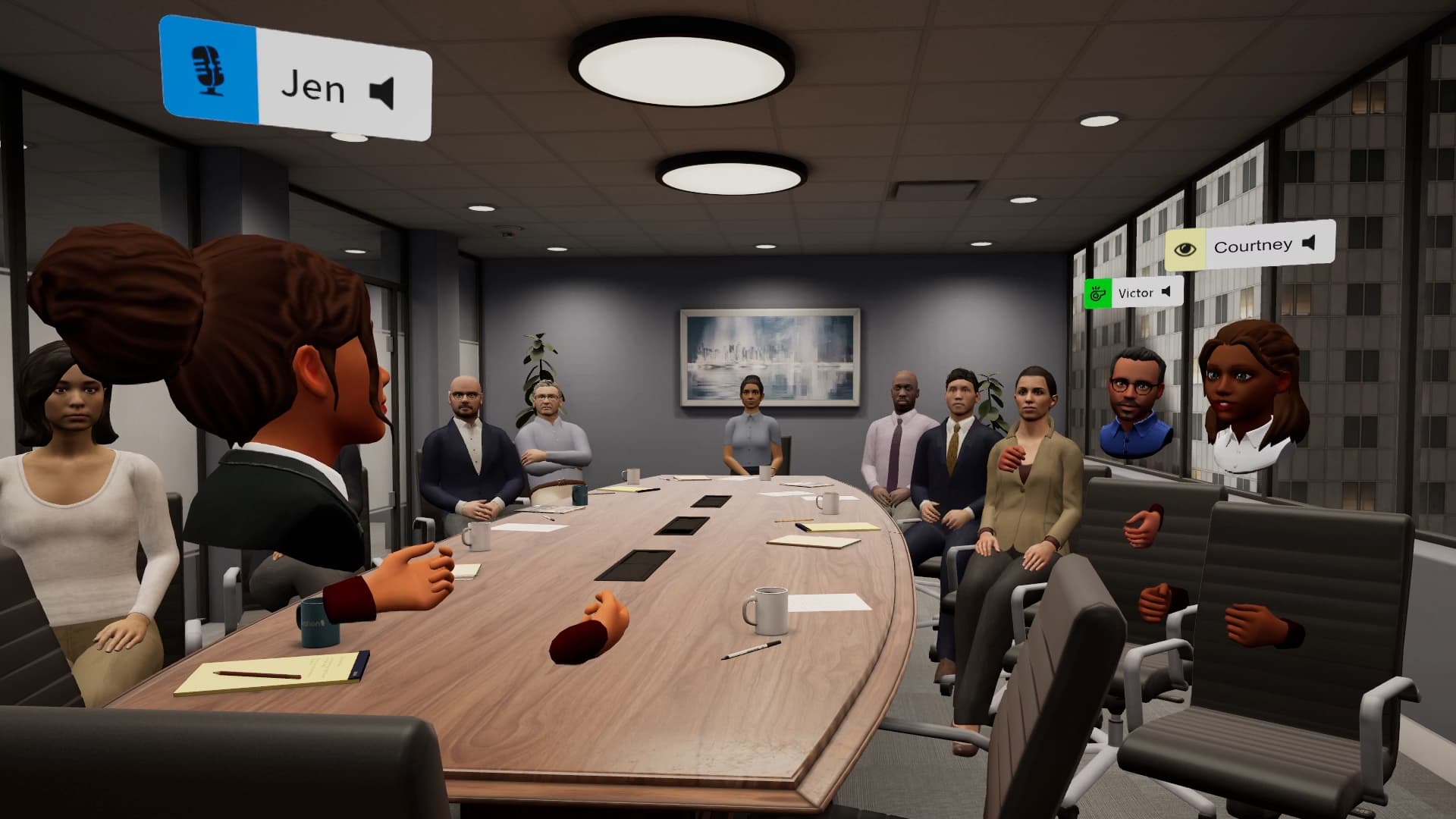
Ovation is an AI-powered speaking simulator that helps people practice presentations, interviews, roleplay, and difficult conversations before the moments that matter. Learners speak with responsive AI avatars in lifelike venues, then get coach-like feedback after every session, with a transcript, scores on the factors that matter, and speaking metrics such as pace and filler words.
Ovation runs as a VR App for Meta Quest, a Desktop App for Windows and Mac, and a Web App in the browser, all on one account. Educators and trainers build assignments around their learning objectives, customize the avatars and the level of challenge, and see who practiced, how often, and how they improved.
Colleges, universities, schools, and organizations use Ovation in speech and communication courses, career services, healthcare and counseling programs, language learning, and workforce training.
Carnegie Mellon University, Brigham Young University, University of Hawaii, Northeast Wisconsin Technical College, National Taipei University of Business, Pittsburg State University, Houston City College, University of North Florida
Media Gallery




Apps

Students and teams rehearse presentations, interviews, and difficult conversations with responsive AI avatars in VR, then get feedback after every session.
Offerings
Testimonials
Device Support

Regions Supported
Notable Awards / Milestones
- Epic MegaGrant recipient
Product Pricing
Individual and organization plans are available, and you can start with a free trial. See current plans at ovationvr.com/pricing, or book a demo to discuss licensing and institutional pricing.
Frequently Asked Questions
Yes. Create an account at ovationvr.com and choose an Individual or Organization trial. It can be canceled anytime.
Ovation supports practice in more than 70 languages, with separate choices for the practice language and the feedback language. The VR App and Desktop App menus are in English. The Web App and management portal menus are also available in Spanish, German, French, Italian, Portuguese, Japanese, Korean, and Arabic.
Each session produces a transcript, audio, speaking metrics such as filler words and pace, and AI-generated feedback. You can track participation, completion, and improvement across learners over time.
Yes. You choose the scenario, avatar behavior, difficulty, and other settings, and learners practice within the parameters you set. Assignments also let you align the AI feedback to your learning objectives.
Yes. Add Ovation to your ArborXR library and deploy it to your Meta Quest headsets like any other app. Learners then sign in with their Ovation accounts.
Ovation runs as a VR App for Meta Quest 2, Quest 3, Quest 3S, and Quest Pro, a Desktop App for Windows and Mac, and a Web App in the browser. Learners use the same account everywhere, so their sessions, feedback, and progress stay in sync.
Try ArborXR for Free
Access apps from top enterprise and education developers for free.