Discover a better way to monitor Meta AI Glasses
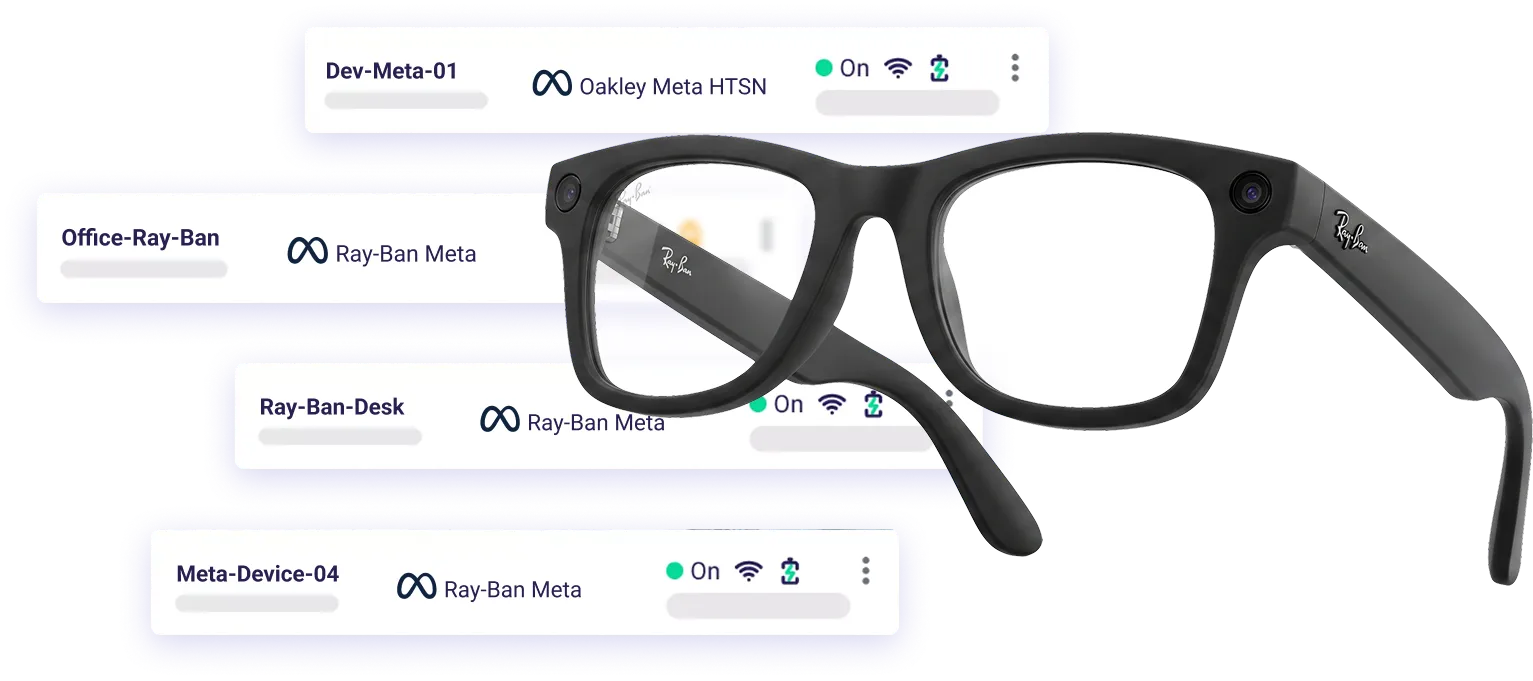
ArborXR is the first MDM to support Meta’s AI glasses like the Ray-Ban Meta and Oakley Meta HSTN. Stream the wearer's point of view, talk to them through the glasses, and monitor your AI glasses alongside the rest of your XR fleet from one portal.
Everything you need to support from anywhere
ArborXR’s Remote Assistance extends hands-free support to field workers, frontline teams, and trainers.

Monitor glasses in ArborXR
Meta AI glasses appear in the same ArborXR portal as your XR headsets.

POV camera streaming
Stream the wearer's point of view through the glasses' camera, straight to a browser. See exactly what they see, in real time.

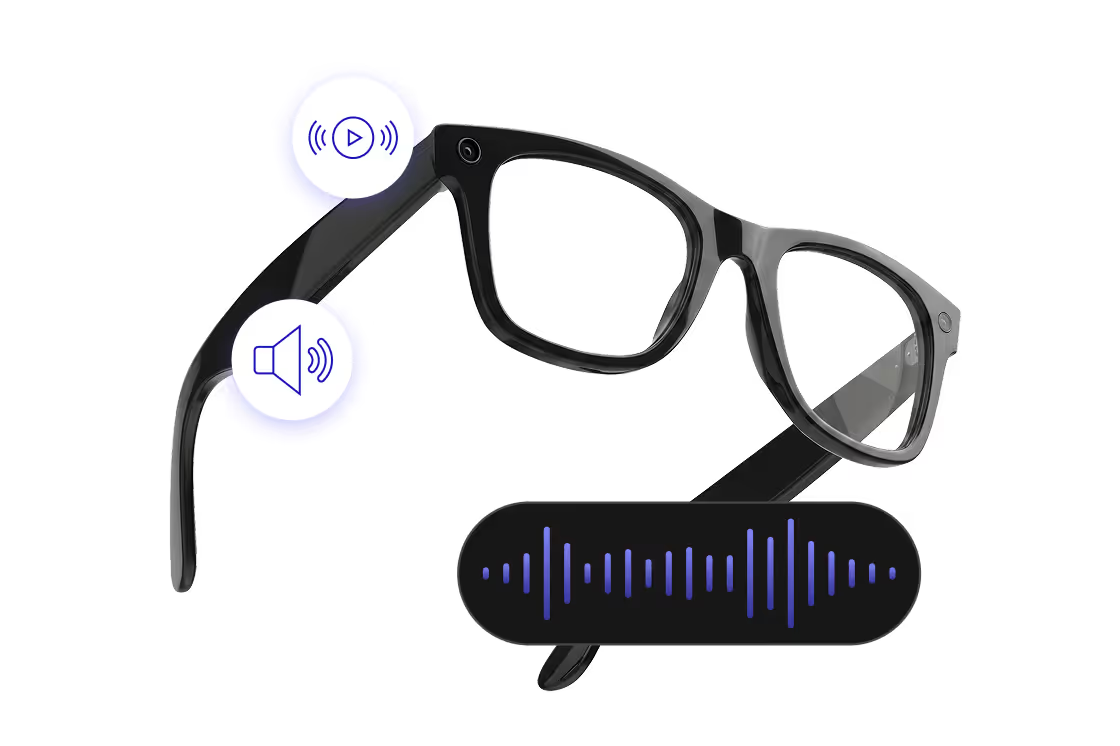
Two-way audio
Voice communication through the glasses' built-in beamforming microphone and speaker
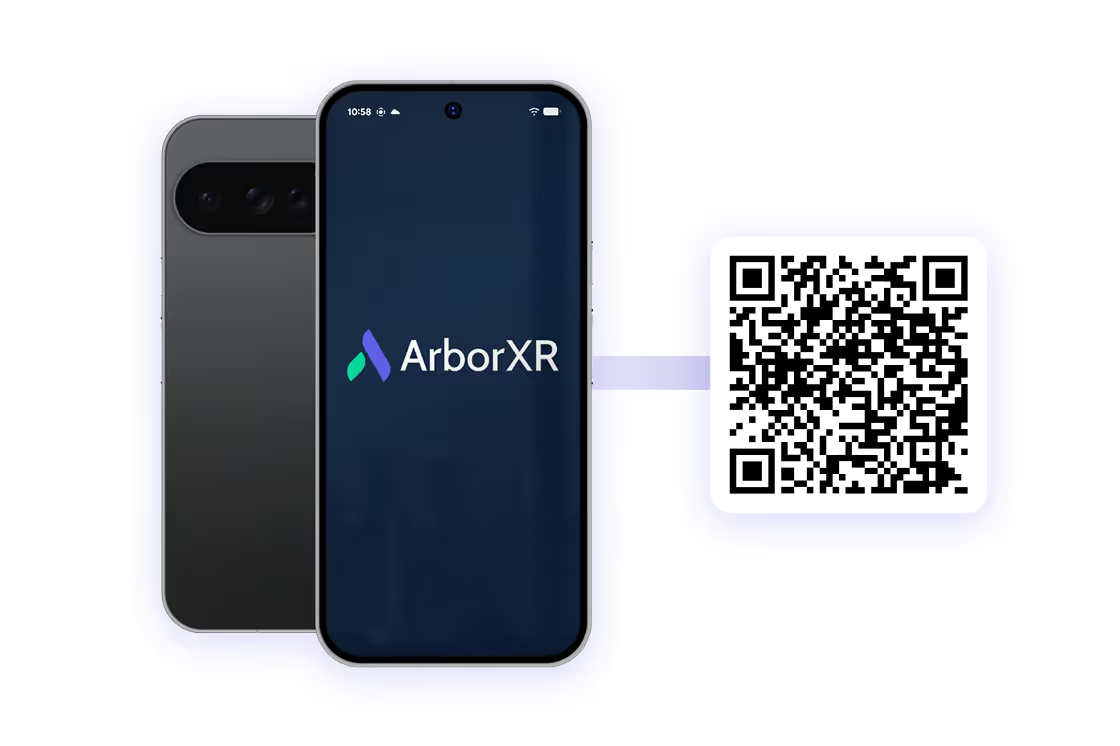
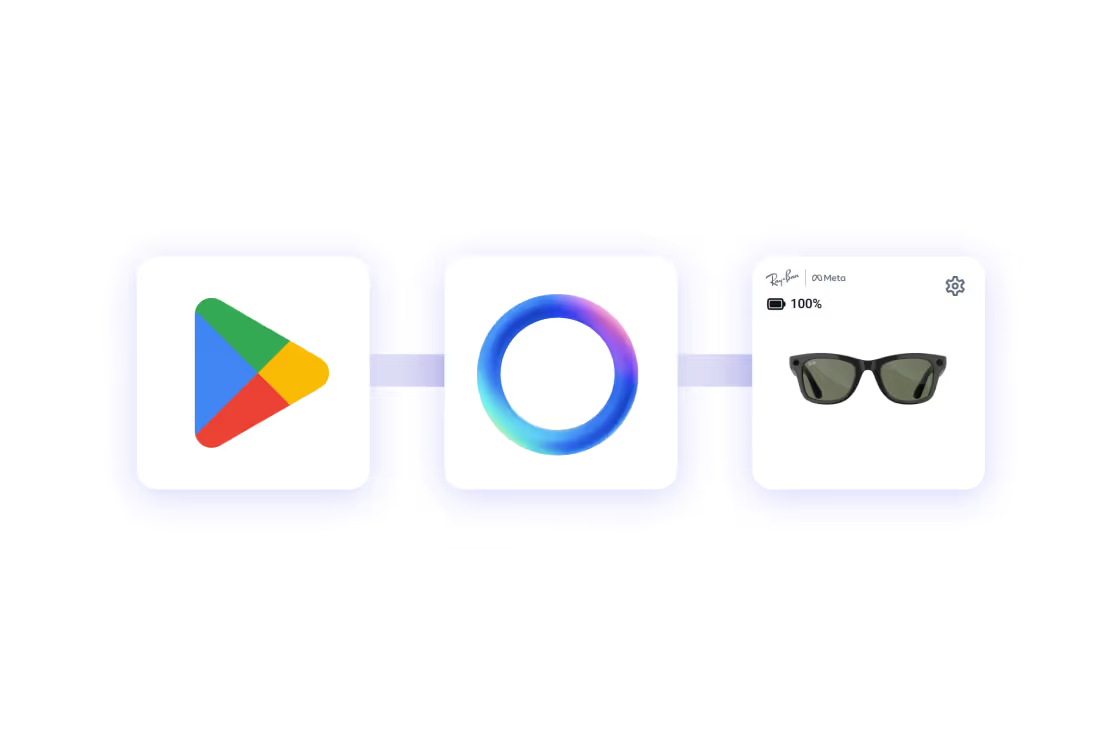
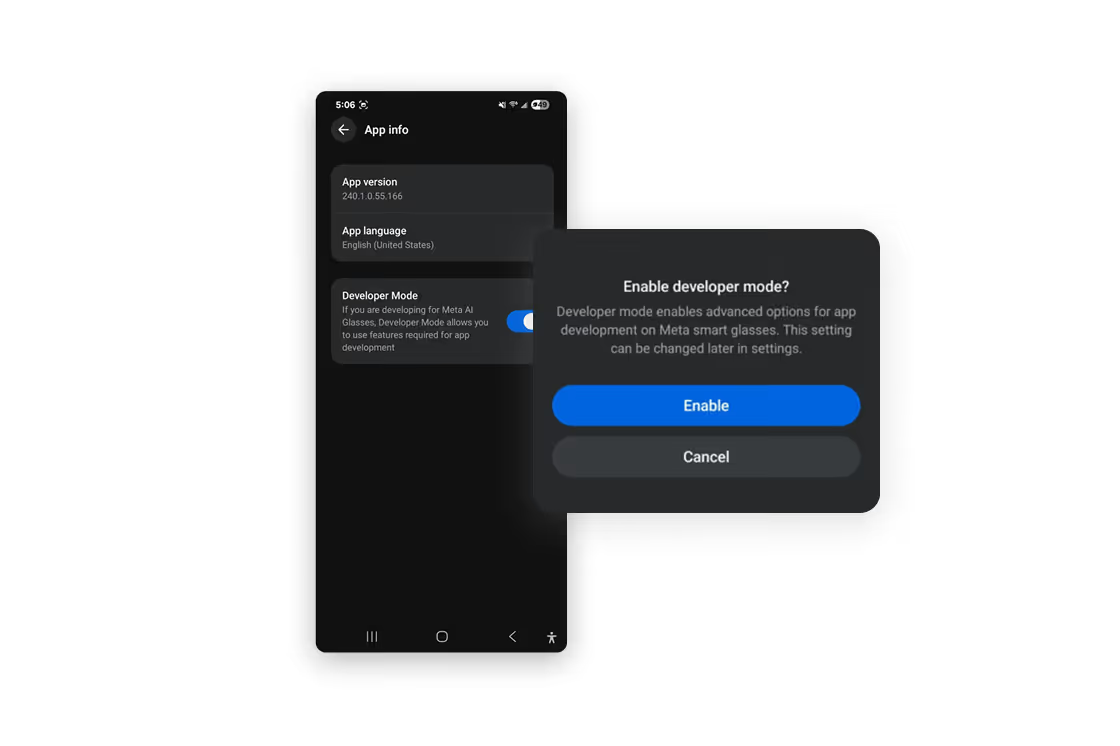
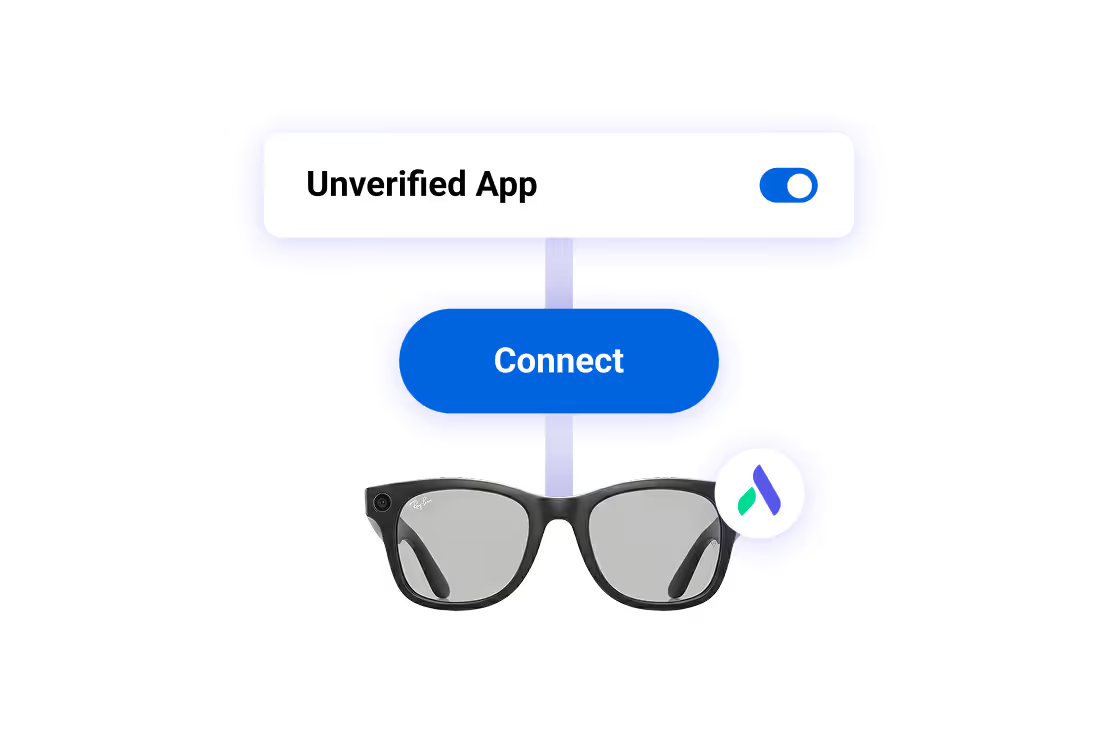
Add Meta AI Glasses to ArborXR
Meta AI Glasses are only the beginning
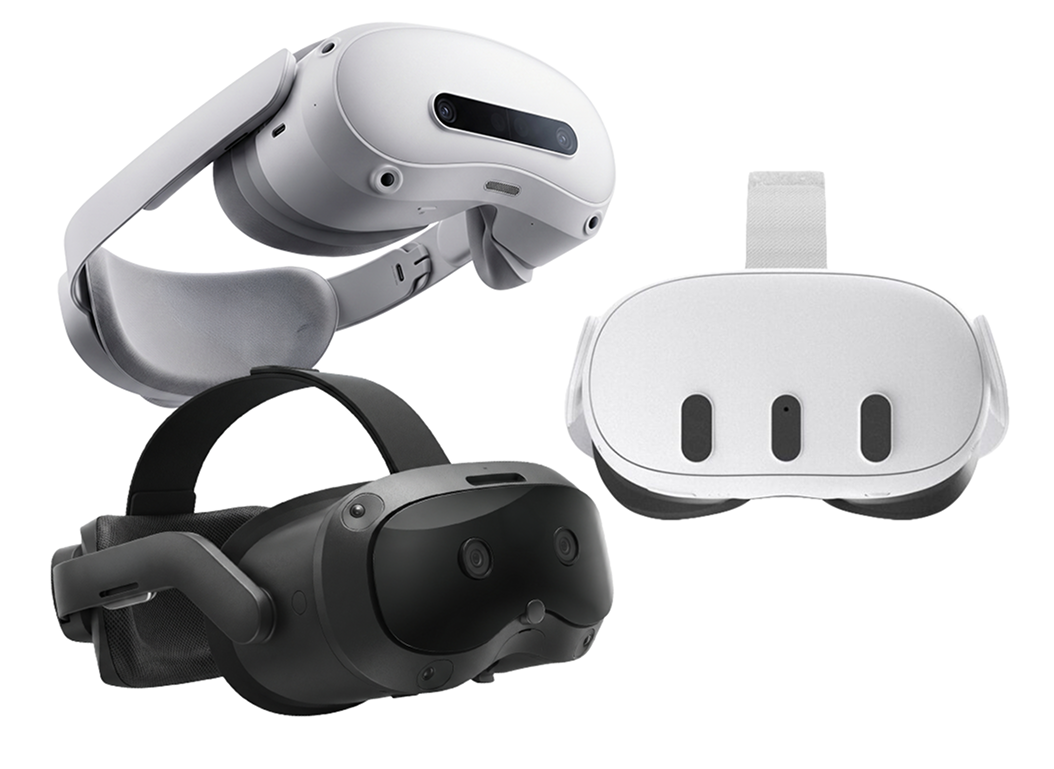
We’ve also brought two-way audio and playback audio streaming to every device we support, including Meta Quest, PICO, Samsung Galaxy XR, and HTC VIVE. Camera feed streaming now extends to select XR headsets too.
ArborXR supports XR programs at every stage of growth, across every form factor. We're growing with the ecosystem and our roadmap reflects it.
ArborXR is the first MDM to support AI glasses
The full story on what shipped and why it matters

You’re in Good Company