

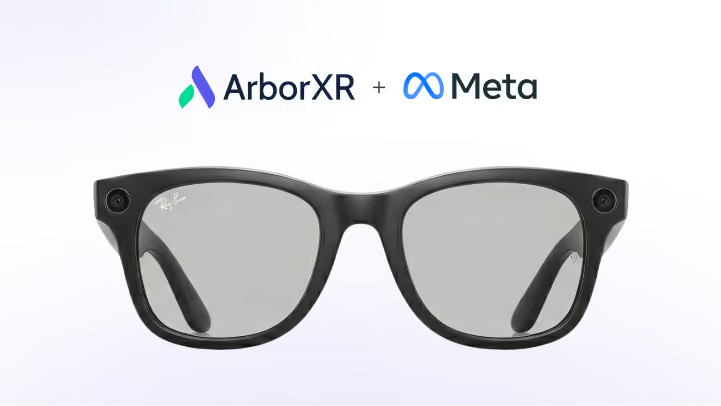
AI glasses have been on the horizon for enterprise for a while now. Meta has sold millions of Ray-Ban & Oakley smart glasses. Android XR smart glasses are expected later this yr, and HTC has already shipped the VIVE Eagle in its first markets. And the use cases (hands-free remote support, field assistance, frontline training) are exactly the kinds of problems enterprise XR programs exist to solve.
Until now, there was no MDM that could support them.
That changes today. ArborXR is the first MDM platform to support AI glasses, starting with Meta Ray-Ban and Oakley models. Your IT team can view and remotely support Meta AI glasses from the same ArborXR portal they already use for every other device in the fleet.
What ships today for Meta AI glasses
Once the Meta AI glasses are set up and configured in your ArborXR organization, a support expert can initiate a Remote Assistance session directly from the ArborXR portal. Remote Assistance is comprised of two things:
- A live camera feed from the glasses. The wearer's point of view, streamed straight to a browser in real time. The expert sees exactly what the worker sees without asking them to hold up a phone or stop what they're doing.
- Two-way audio through the glasses themselves. The expert speaks through the portal; the worker hears it through the glasses' speaker. The worker responds; the expert hears them back through the glasses' mic. Hands-free on both sides.
This is what hands-free remote expert assistance actually looks like. Not a video call bolted onto a headset. A fully managed experience, through the device the worker is already wearing.
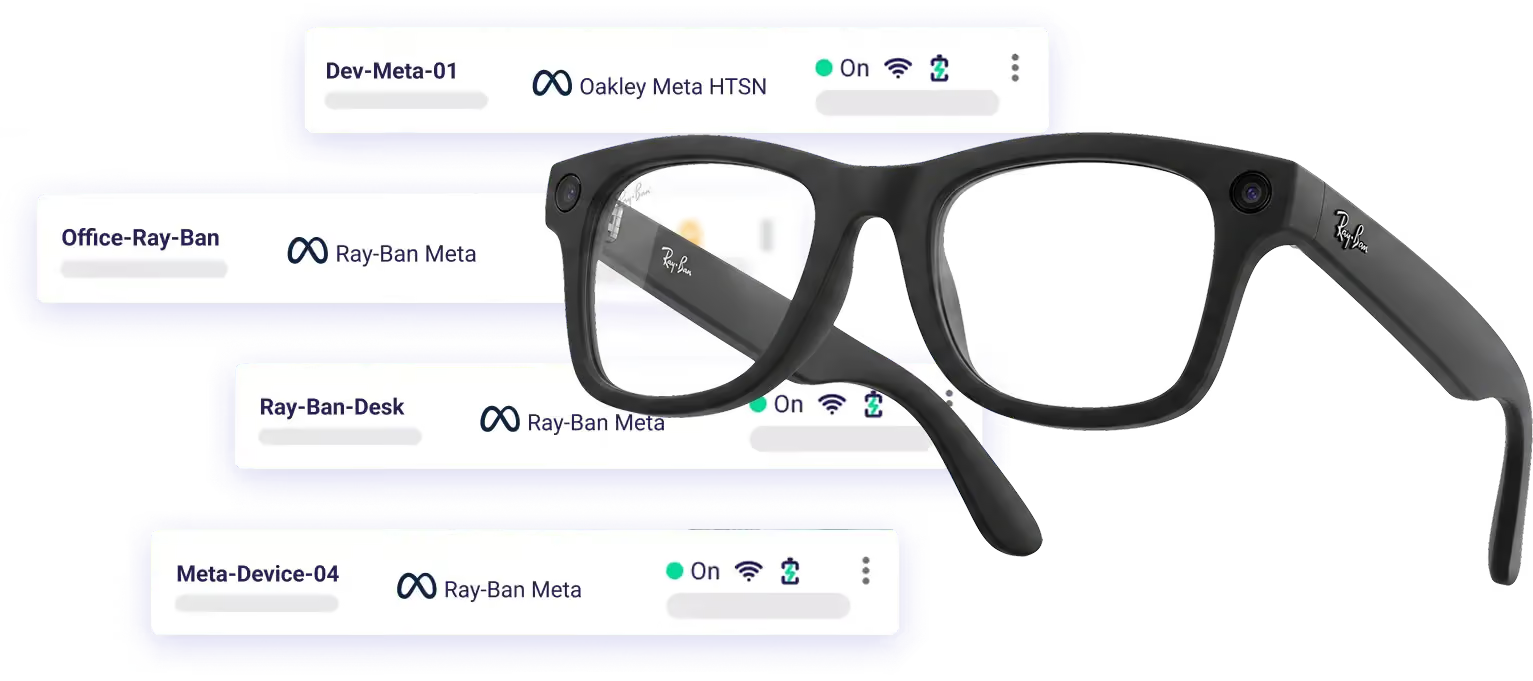
Also shipped: Remote Assistance now reaches your entire fleet
The glasses are the headline, but this is a big release across the board.
Two-way audio is now available across your entire fleet for Meta Quest, PICO, Samsung Galaxy XR, HTC VIVE, and other devices. Support staff can speak to workers directly through the portal and hear back from them. They can also hear what the device is playing in stereo, separately from voice, giving support staff more context. Camera feed streaming is also available on select XR headsets like the Samsung Galaxy XR and Magic Leap 2.

A bigger shift for the industry
We've been watching the AI glasses space closely. Meta has been shipping its hardware for two years, and momentum is building. Android XR will support AI glasses with Samsung as the launch partner, while OEMs like HTC have already shipped their own with the VIVE Eagle. The form factor is proving out, and enterprise adoption is starting.
ArborXR's job has always been to make sure that wherever XR goes, enterprise teams have the infrastructure to scale it. That's what we did with Android XR and Samsung Galaxy XR which ArborXR supported from day one, fully integrated into the same platform teams already know. And that's what we're doing with AI glasses today.
"AI glasses are entering enterprise XR, and ArborXR is the first MDM ready for them. Being first matters here. Enterprise teams shouldn't have to wait for their MDM to catch up to the hardware they're deploying. This isn't a one-off integration either. We built this so that as the AI glasses ecosystem grows and more OEMs come to market, our customers already have the infrastructure in place to support all of it." – Jordan Williams, ArborXR Co-Founder and Head of Product
The combination of AI glasses and Remote Assistance is meaningful for a specific kind of worker: the technician with both hands on a machine, the field crew on a job site, the trainer who needs to see exactly what a new hire is seeing. These workers have never had access to the kind of expert guidance that a headset user takes for granted. AI glasses, managed and supported through ArborXR, change that.
We're starting with Meta. Other OEMs will follow as the ecosystem matures.
What's next
More OEMs are on the roadmap as the AI glasses ecosystem grows. If you're evaluating or piloting AI glasses from a specific manufacturer, we want to hear from you. Email feedback@arborxr.com and tell us which device and what you're thinking about using it for. That feedback directly shapes what we build next.
For device compatibility details and setup instructions, visit the Meta AI Glasses support page on ArborXR.