Discover a better way to manage Samsung Galaxy XR headsets
Manage Samsung Galaxy XR headsets for enterprise. Remotely install & update apps, lock down the user experience with kiosk mode, and more.
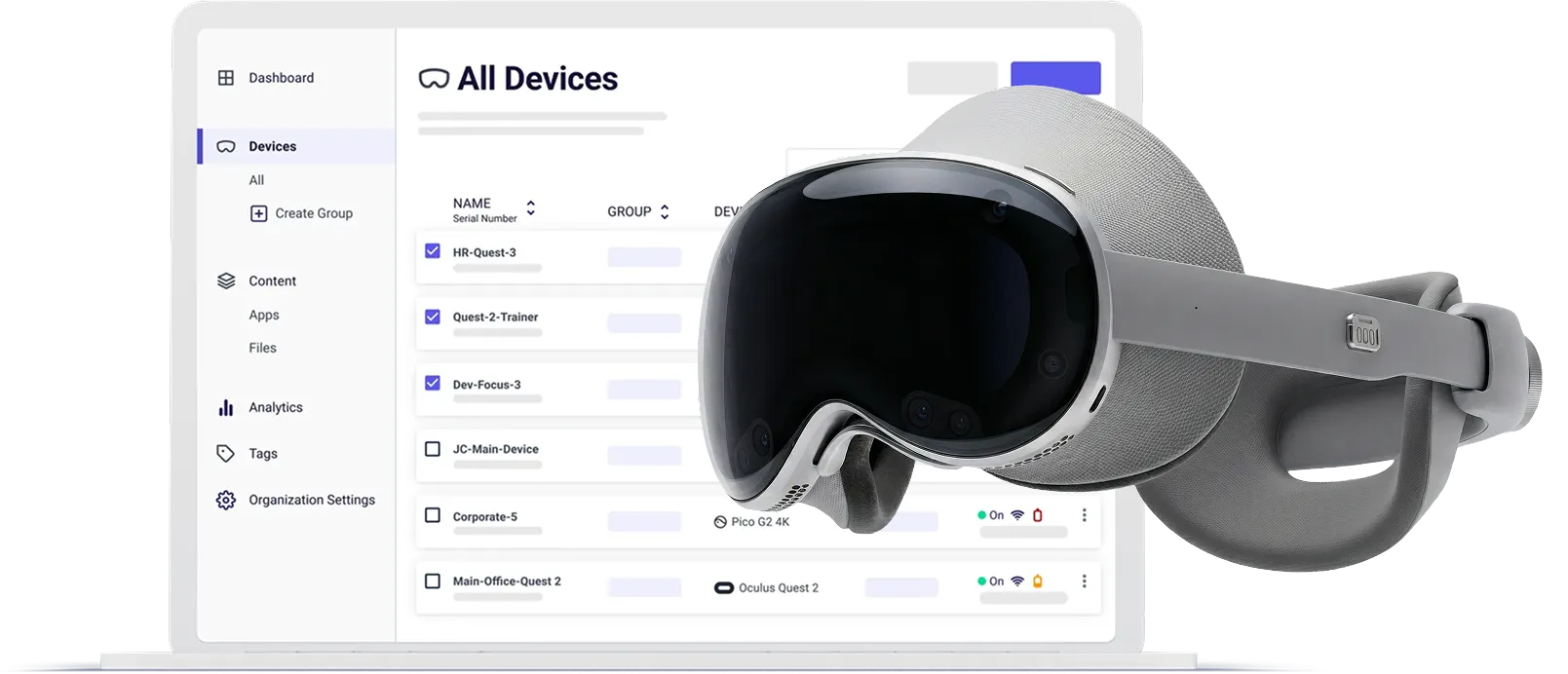
XR programs are difficult to scale
Teams struggle with:
Manually configuring and updating headsets
Managing applications across multiple locations
Maintaining a consistent in-headset experience
Limited visibility into device health and usage
Difficulty measuring training outcomes or proving ROI
Without the right infrastructure, XR programs become difficult to manage and harder to scale.
ArborXR provides the operational foundation enterprises need to deploy and run XR programs reliably across locations.
Manage your fleet of Samsung Galaxy XR headsets
Managing XR devices manually is time-consuming and difficult to scale. ArborXR allows enterprise teams to manage their entire fleet of Samsung Galaxy XR headsets remotely through a centralized web portal.
Enroll devices

Enroll your Galaxy XR headsets easily by scanning a QR code. No cables or IT ticket required.
Group devices
Mirror your real-world structure by grouping devices into teams, departments, or locations — with support for subgroups.
Bulk configuration
Push settings, apps, and files to an entire group in one action — no matter how many devices that includes.
Full visibility
Spot issues in a snap. Monitor content installation status, battery, storage, and network status across your entire fleet from one dashboard.
Deploy apps & files remotely
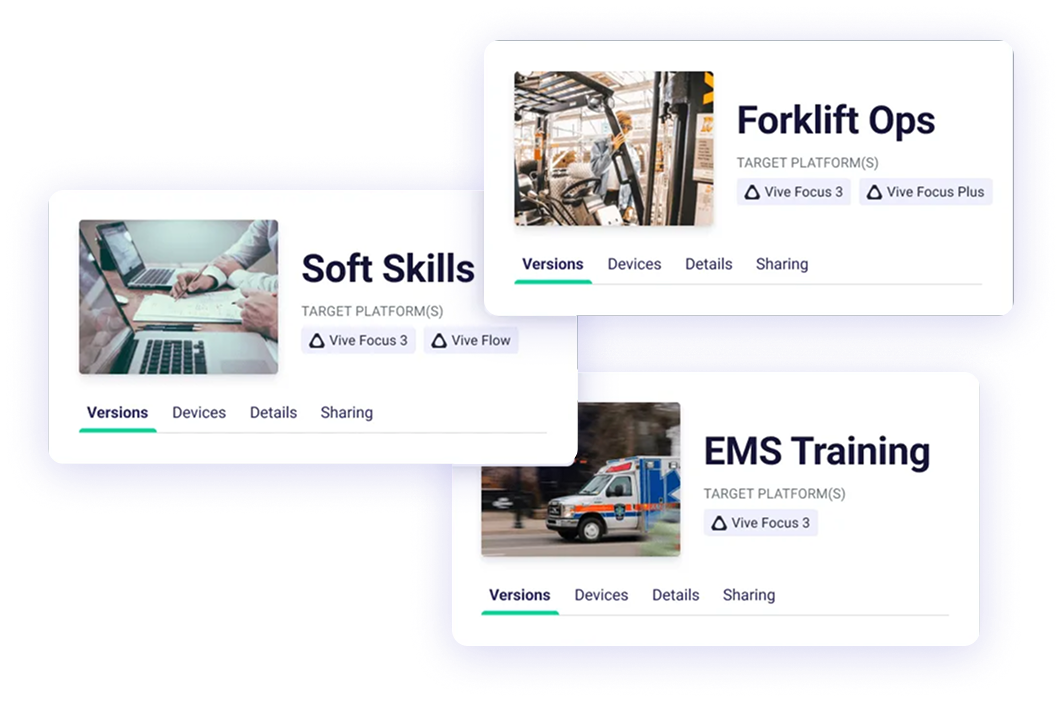
Installing apps on XR devices can be time consuming. With ArborXR, upload and manage your library of apps, files and 360° videos. Install apps, push updates, and track installation progress, all without touching a single device.
Upload your content
No more copying and pasting APK URLs. Upload builds and files directly to your ArborXR content library with an option to connect your own cloud storage bucket for isolated content hosting.
Manage app versions
Robust version management with no file size limits. Support for release channels, rollbacks, version notes, and more.
Content sharing & explore XR
Receive applications from ISV partners directly within the ArborXR portal so you can deploy to your fleet. Browse and deploy apps from Explore XR.
Lock down the user experience
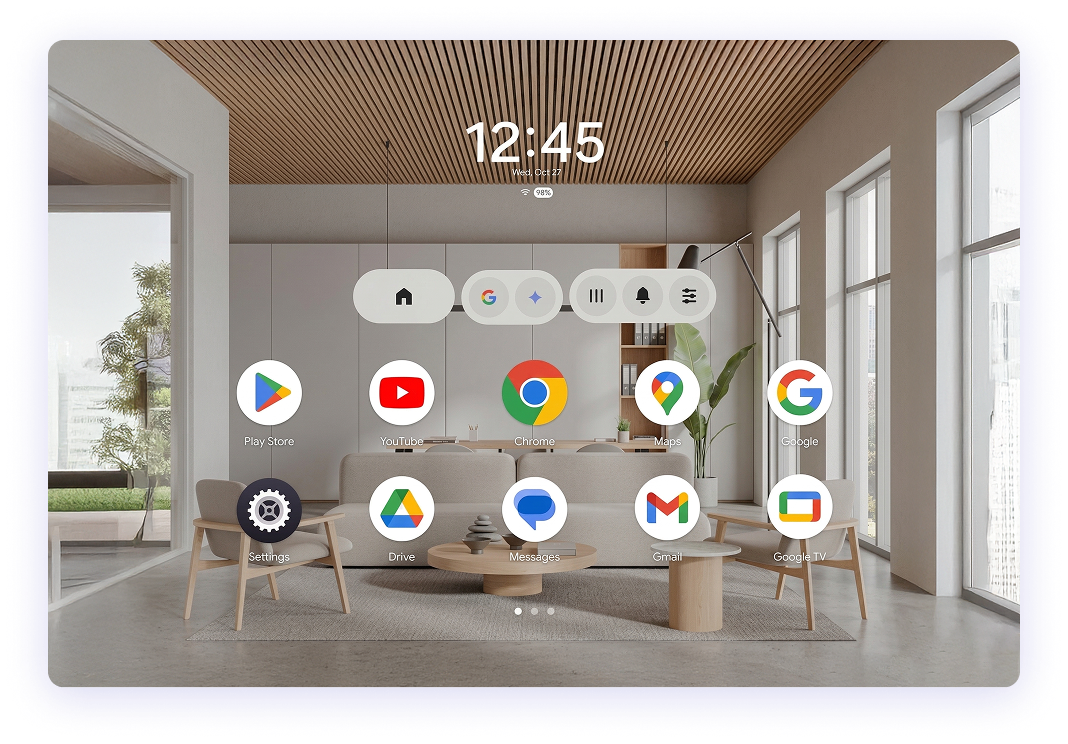
When your users put on a Samsung Galaxy XR headset, it should be effortless. Launch users directly into apps and restrict access to device settings so sessions stay controlled from beginning to end.
Single-app kiosk mode
Automatically launch the kiosk app when your user puts on the headset. Fully lock down the device so users stay on task.
Multi-app kiosk mode
Restrict devices to an approved set of apps.
Measure what happens in the headset and prove ROI
Once a headset goes on, many teams lose visibility. ArborXR Insights trackers learner performance, automates reporting, and connects to your LMS and BI tools so you can measure what matters and prove impact.
Learner tracking
See who is in the headset and how they performed. Track metrics like completions, time spent on task, pass/fail results, and more across XR experiences.
Reporting & integrations
Use built-in dashboards to measure learner outcomes, or share results directly with 500+ LMS, BI, and HR systems. No manual exporting, no workarounds.
Enterprise security
SOC 2 Type II and ISO 27001 certified so your learner data is protected at every step.

ArborXR is an approved enterprise MDM partner of Google.
Learn more about Android XRBuilt for every stage of your XR program
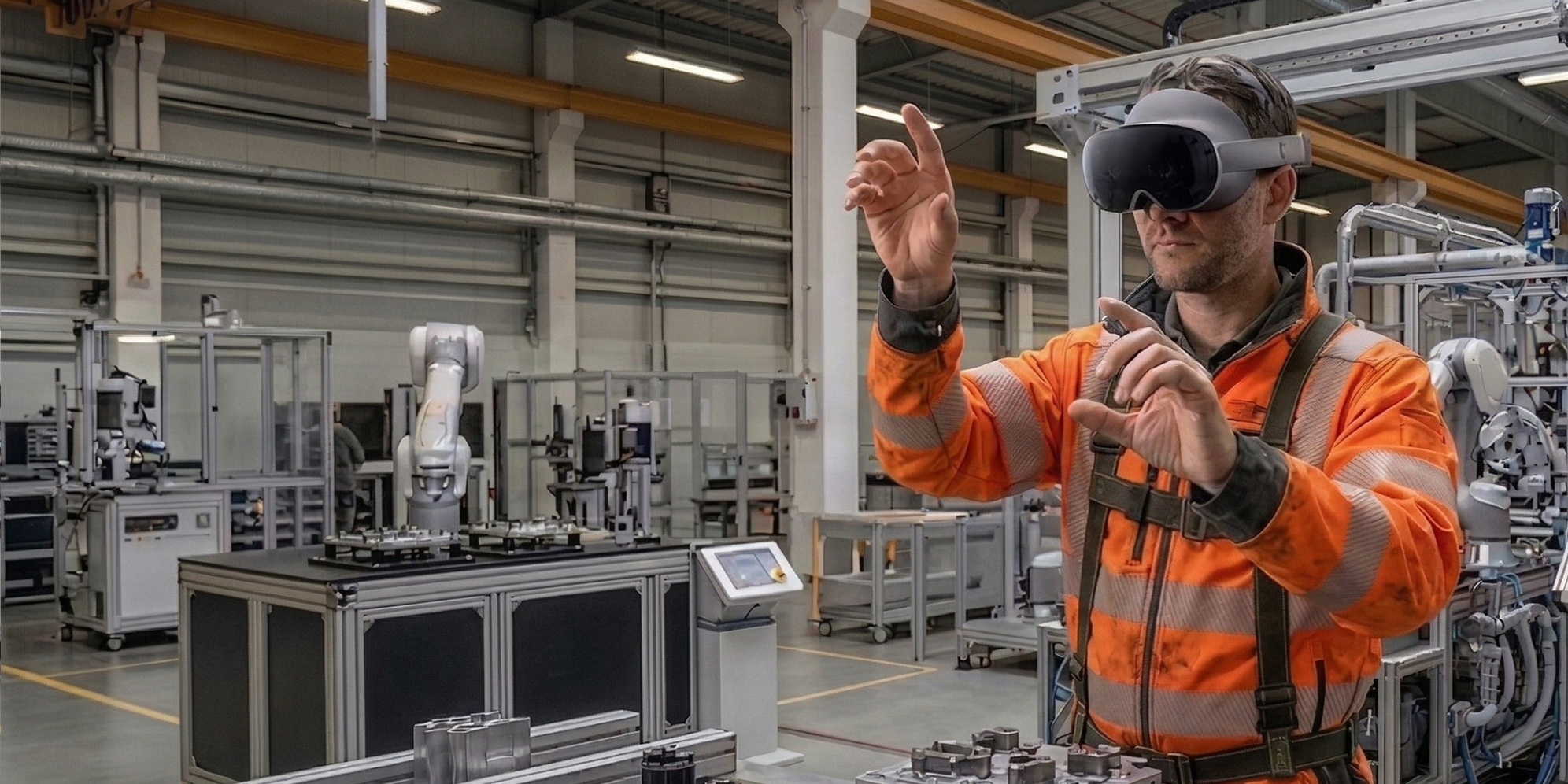
Pilot program
Quickly enroll devices and launch controlled training experiences
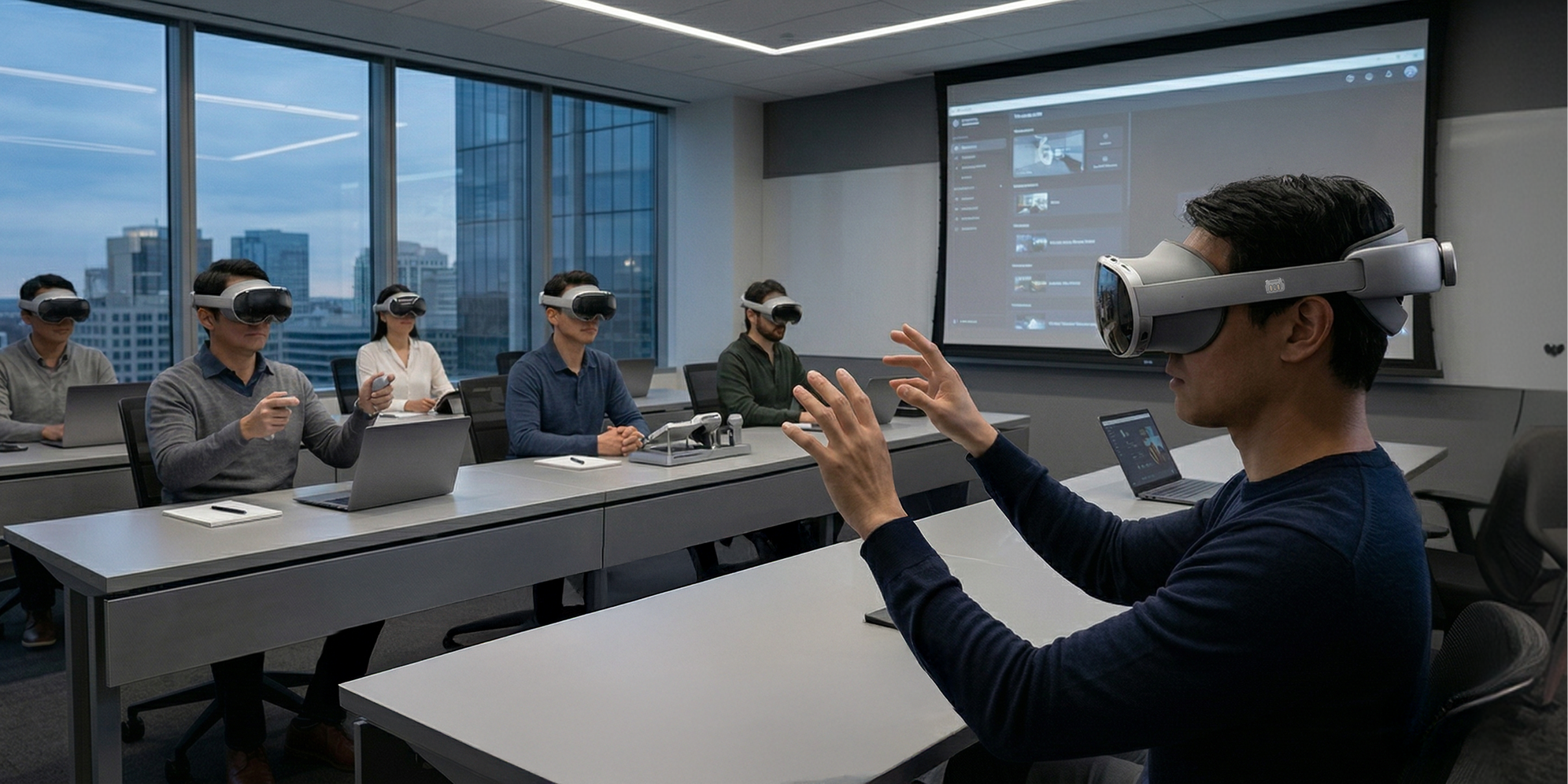
Early deployment
Distribute applications and manage devices across multiple locations
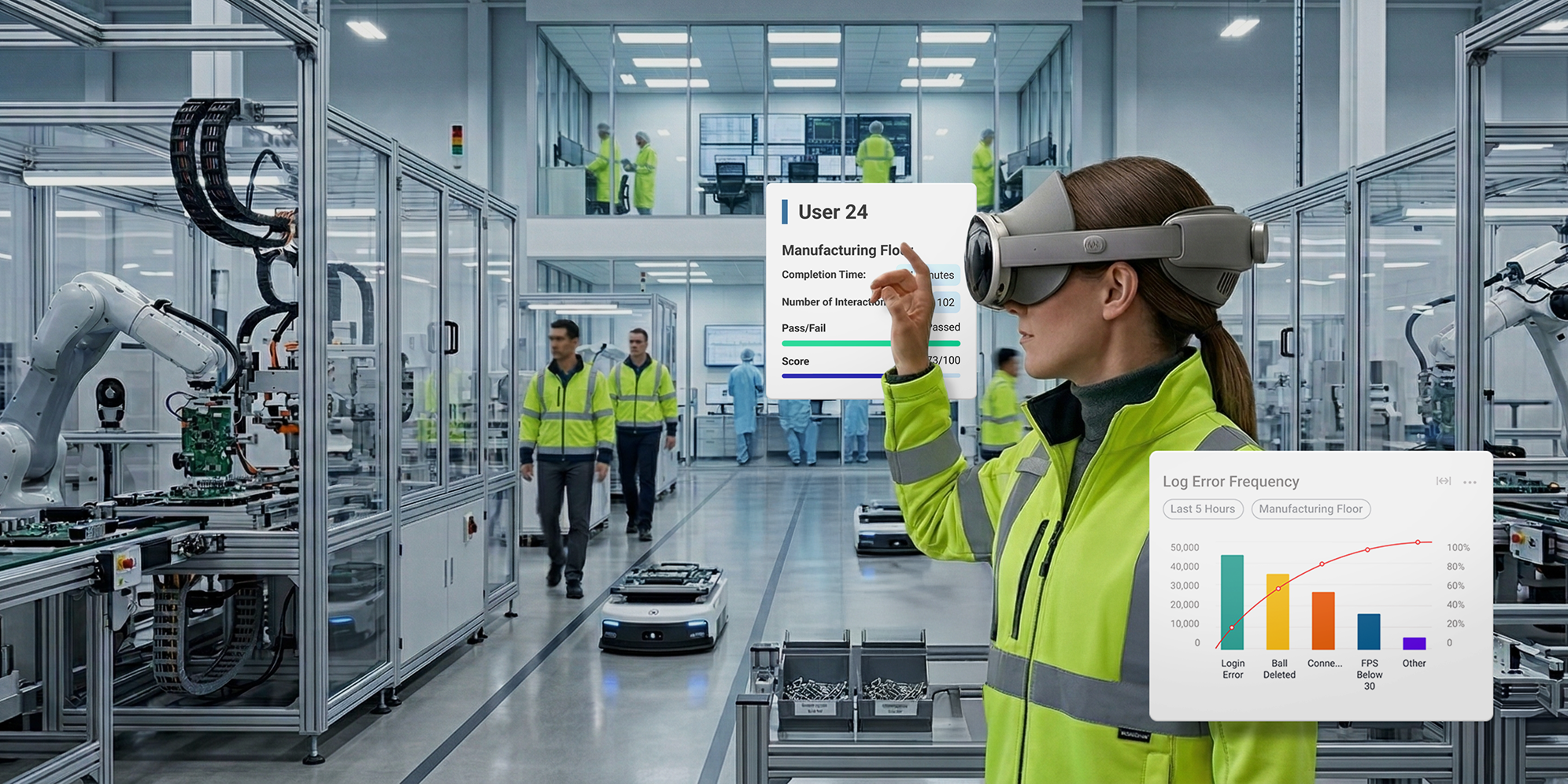
Enterprise scale
Track outcomes, integrate with enterprise systems, and manage thousands of devices
Built to meet enterprise security requirements
XR deployments often involve IT, security, and procurement teams. ArborXR is designed to meet enterprise operational requirements from day one.
Experience Samsung Galaxy XR device & content management made easy
With ArborXR you can manage a fleet of Samsung Galaxy XRs, the first Android XR-enabled headset, with confidence
You’re in good company