Remote assistance for smart glasses and XR headsets
See what your frontline sees. Stream their point of view from smart glasses or headsets and talk them through the fix live, right from the ArborXR portal.
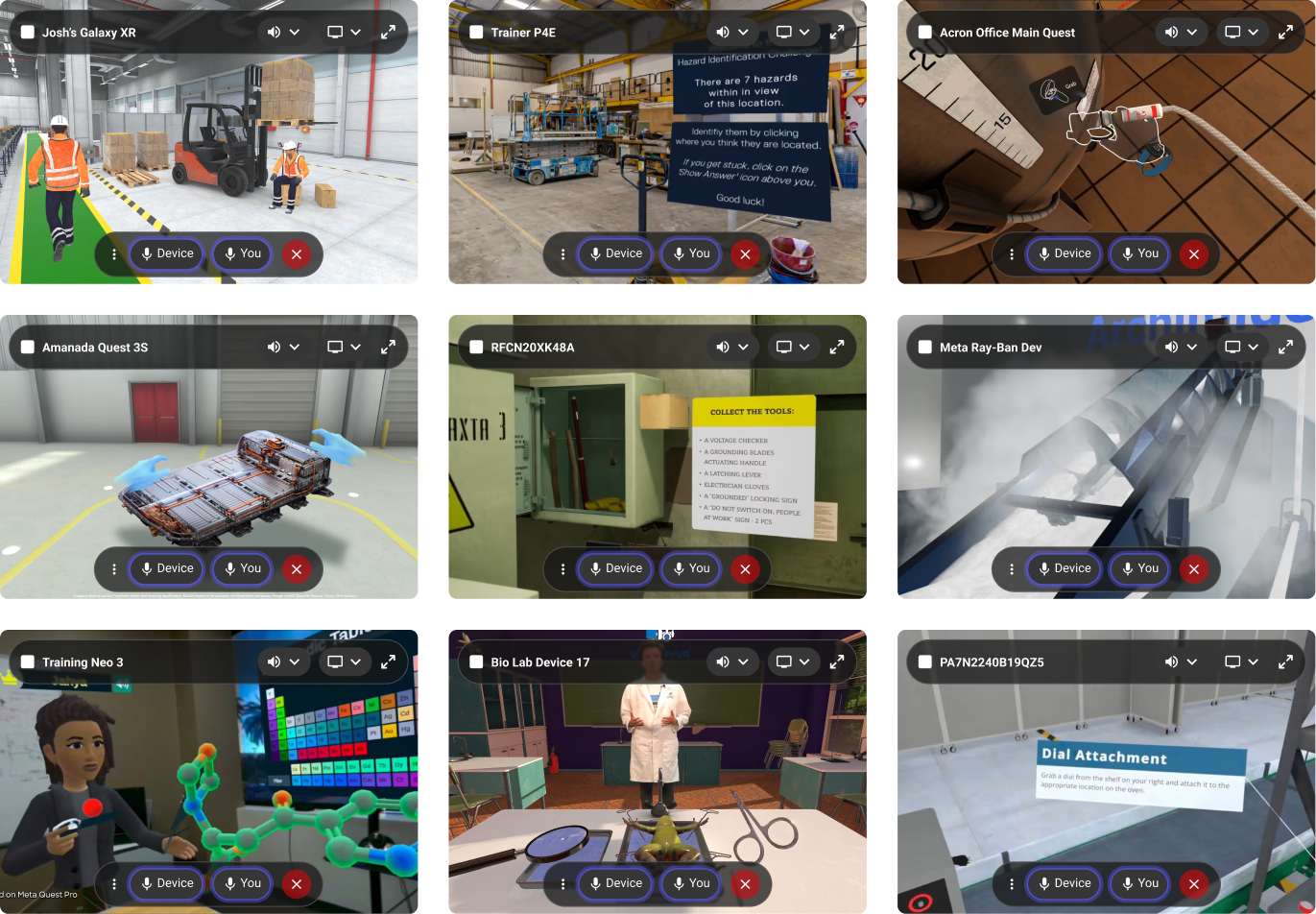
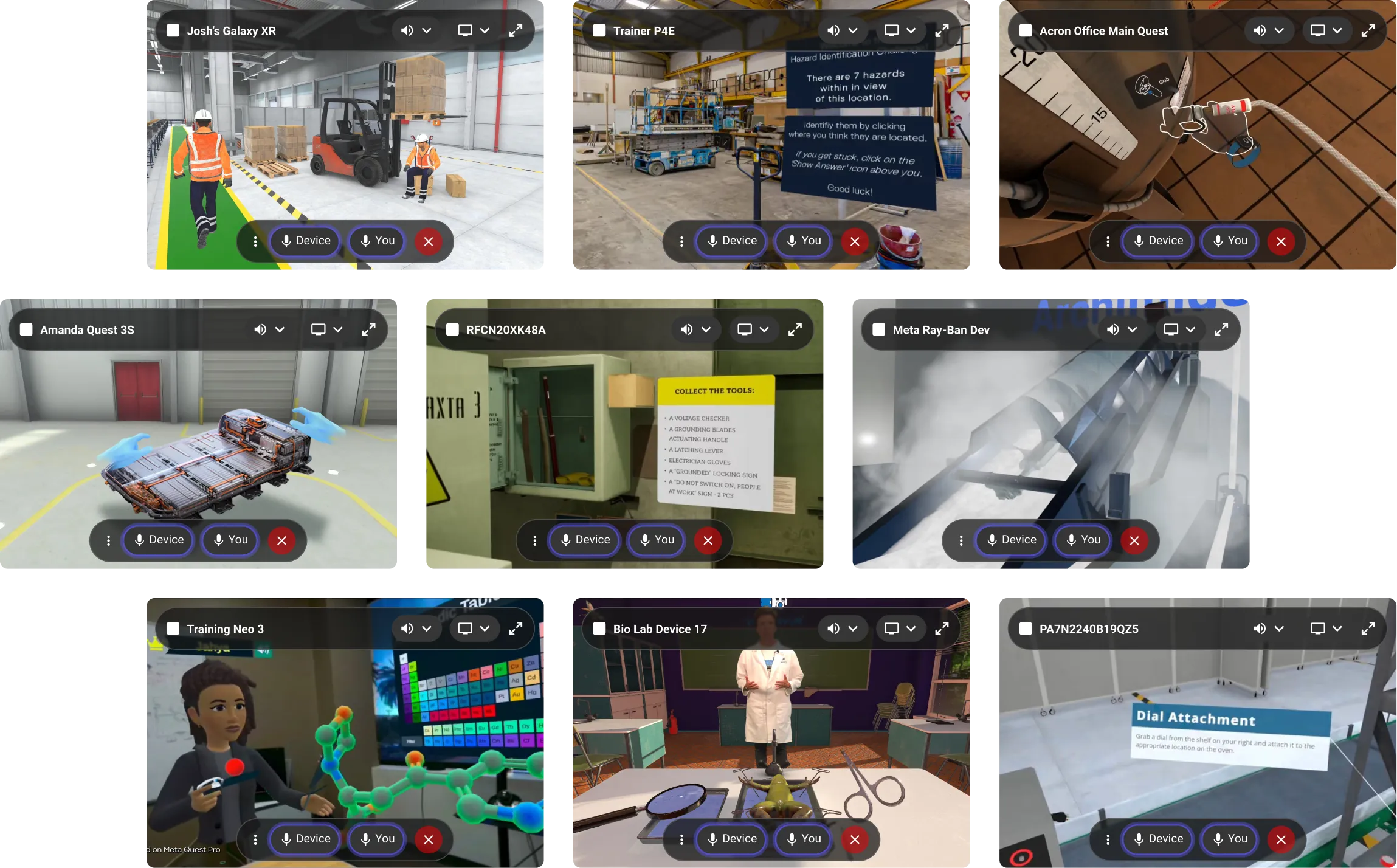
Remote support across the devices your teams use most
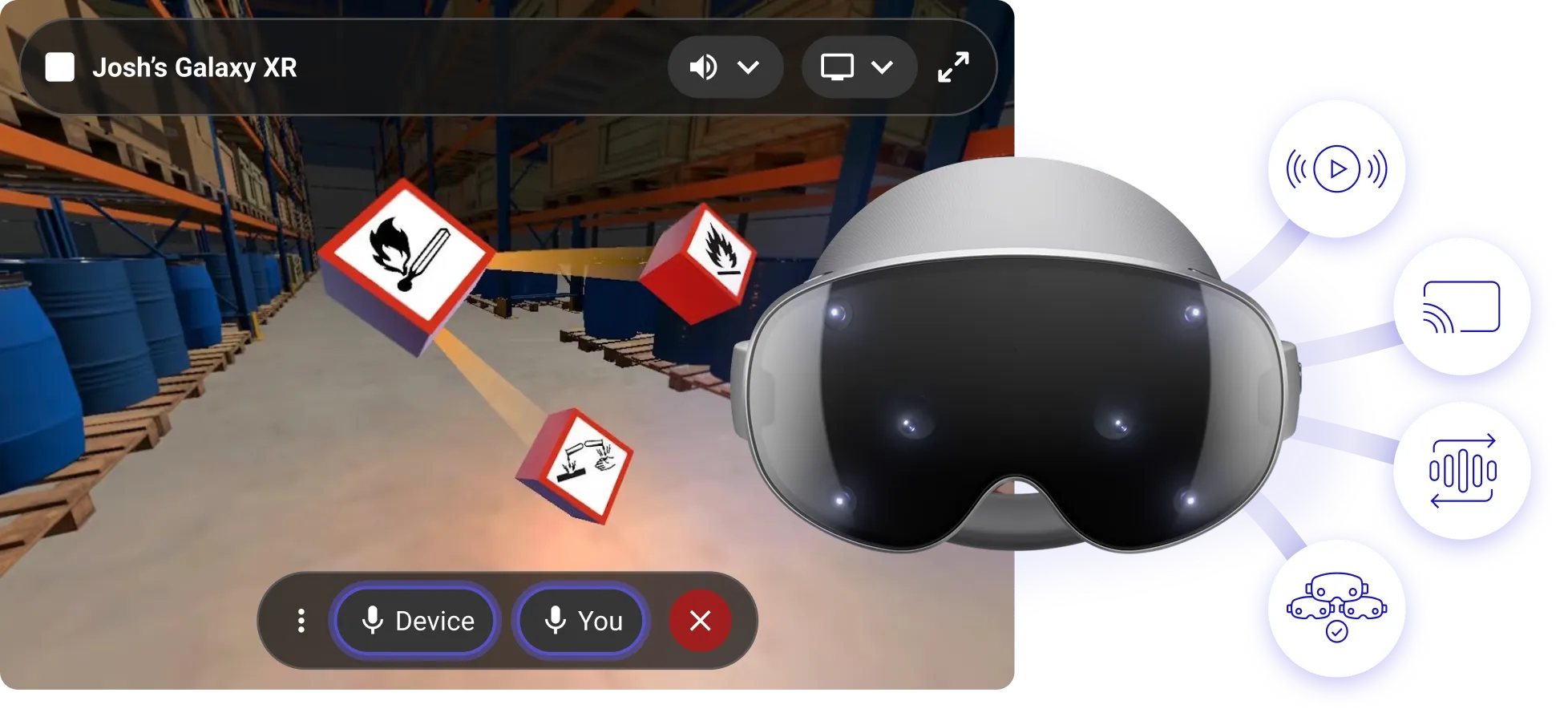
- Casting
- Talk directly to users
- Device audio playback
- View real-time video feed
- Stream in any browser
- Supported on Meta AI glasses
Remote Assistance
Remote Assistance gives your support team eyes, ears, and a voice inside the headsets and smart glasses in your ArborXR portal. See what the wearer sees, hear what they hear, and talk them through the task in real time, hands-free.


"As we scale XR training across the enterprise, ArborXR stands out as the best enterprise MDM solution on the market."
Mohsen Khurasany, Senior Manager, XR Innovation & Content

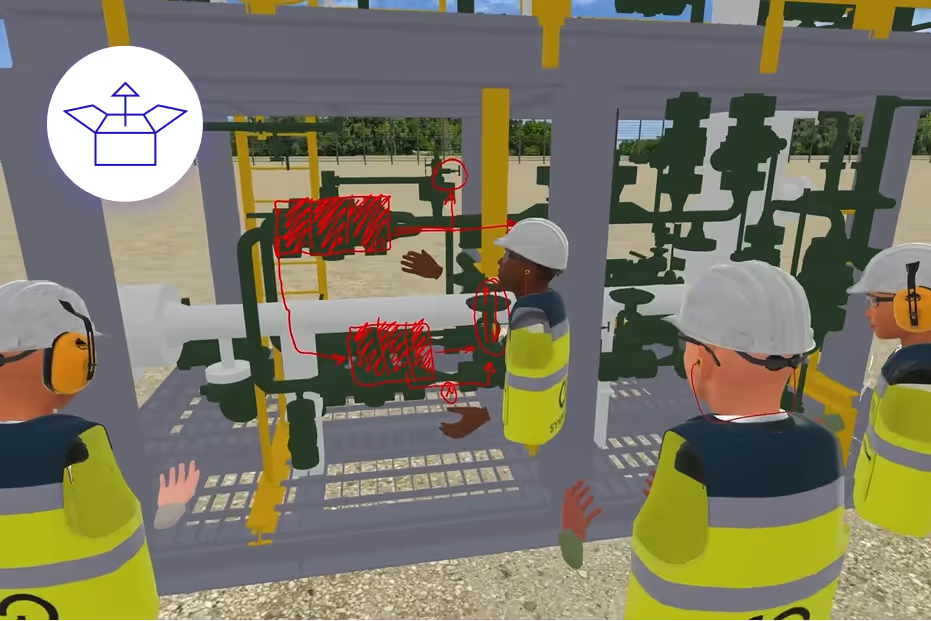
Cast what users see in the headset
Monitor progress in real-time, guide them through VR experiences, and troubleshoot problems quickly.
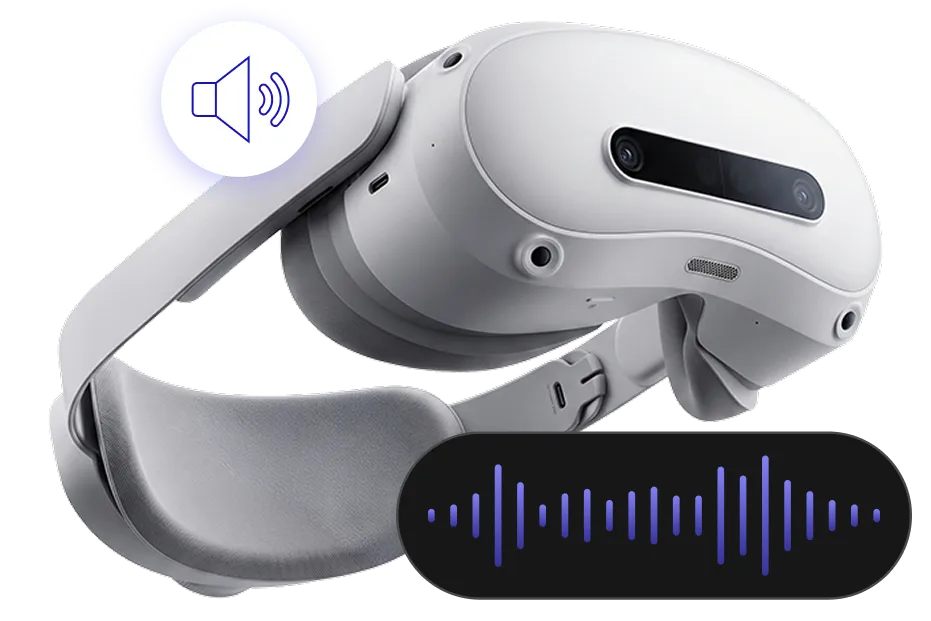

Talk to your team, they talk back
Talk to the wearer through the device’s speaker and hear them back through the device’s mic.

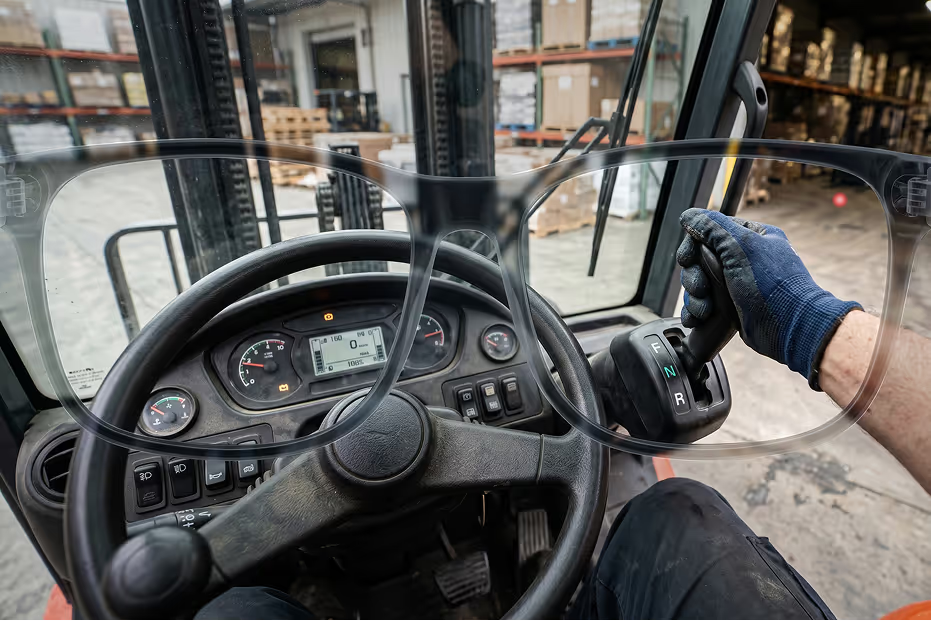
See what they see on smart glasses
Stream the wearer's point of view live to the ArborXR portal in any browser. Your expert sees the job exactly as the worker does, while the worker keeps both hands on the task.
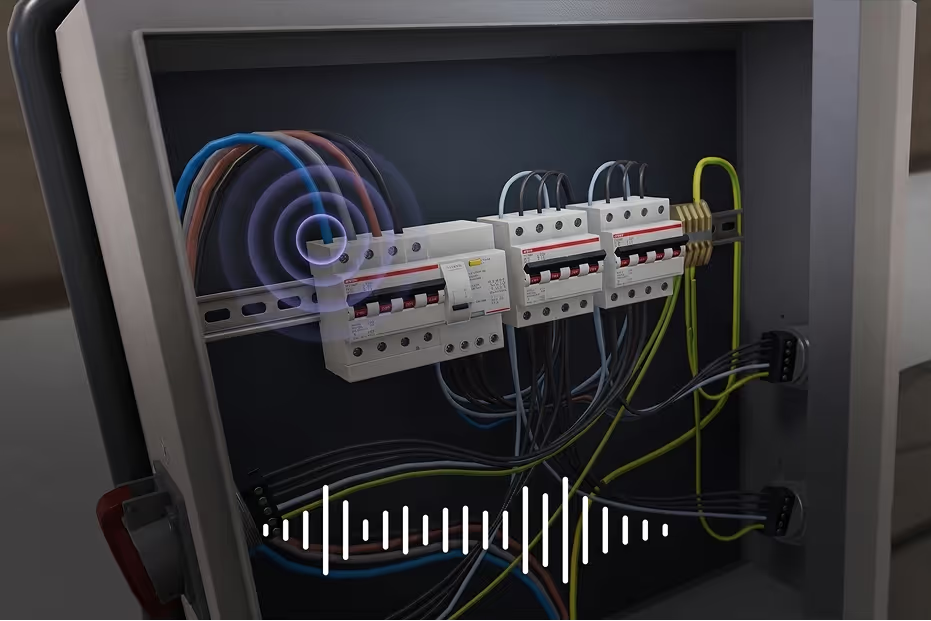

Hear what's happening in the app
Hear what the device is actually playing such as app audio separate from voice. If something sounds wrong, your support team hears it for themselves.

Remotely launch content
Remotely launch applications, 360 videos, and WebXR links to a headset from the portal. Get users into the right experience without walking them through menus.

Remotely reboot devices
Restart any device from the portal to resolve issues remotely.

Remotely shut down devices
Power off devices at the end of a session or to save battery overnight. Available on PICO and Horizon managed services devices.
Remote assistance on Meta AI glasses, in practice
In our frontline wearables session, Devin Marble runs a remote assistance call on phone-paired smart glasses, then switches the expert's view to the phone on the bench for a second angle.
Remote assistance for smart glasses: FAQ
What is remote assistance for smart glasses?
A frontline worker wearing smart glasses shares their point of view with a remote expert, who sees what they see and talks them through the task over two-way audio. The worker stays hands-free; the expert joins from a browser.
Can Meta AI glasses stream live video to a remote expert?
Yes. With Meta AI glasses set up in ArborXR, a support expert starts a Remote Assistance session from the ArborXR portal and gets the wearer's live camera feed plus two-way audio through the glasses' speaker and mic.
Which devices support live point-of-view streaming?
Camera streaming is available on Meta AI glasses, Samsung Galaxy XR and Magic Leap 2. Two-way audio and casting cover Meta Quest, PICO, Samsung Galaxy XR, HTC VIVE and more. See supported devices for the full list.
Who is managed for phone-paired glasses like Meta Ray-Ban Display?
The paired Android phone is the managed device. ArborXR manages the phone, shows the glasses' status, and runs Remote Assistance through it.
Does the remote expert need to install anything?
No. The expert joins the session from the ArborXR portal in any browser, the same portal your team uses to manage the rest of the fleet.
How is this different from a video call on a phone?
The worker keeps both hands on the job, the session starts from the managed device, and the expert sees the exact point of view of the task instead of a phone held up to it.
Why customers choose us
We bring more to the table than just an enterprise platform.

We’re the leading enterprise XR device management platform, preferred by Qualcomm and trusted by 80+ Fortune & Global 500 companies.

XR solution experts
We connect you with the best providers, resellers, and developers to ensure your XR program is successful.

Our team
We’re known for our friendly & responsive team. We provide clear communication, access to our product team, and a transparent roadmap.


“If you are a company thinking of launching VR initiatives, you have to have an MDM. I can’t imagine having more than five to six headsets and not having data from them on ArborXR. It’s a game changer for us.”
Experience world-class XR device management
See a live demo now and discover a better way to manage VR & AR devices.
Do more with ArborXR
One solution to rule them all. Headsets over headaches.