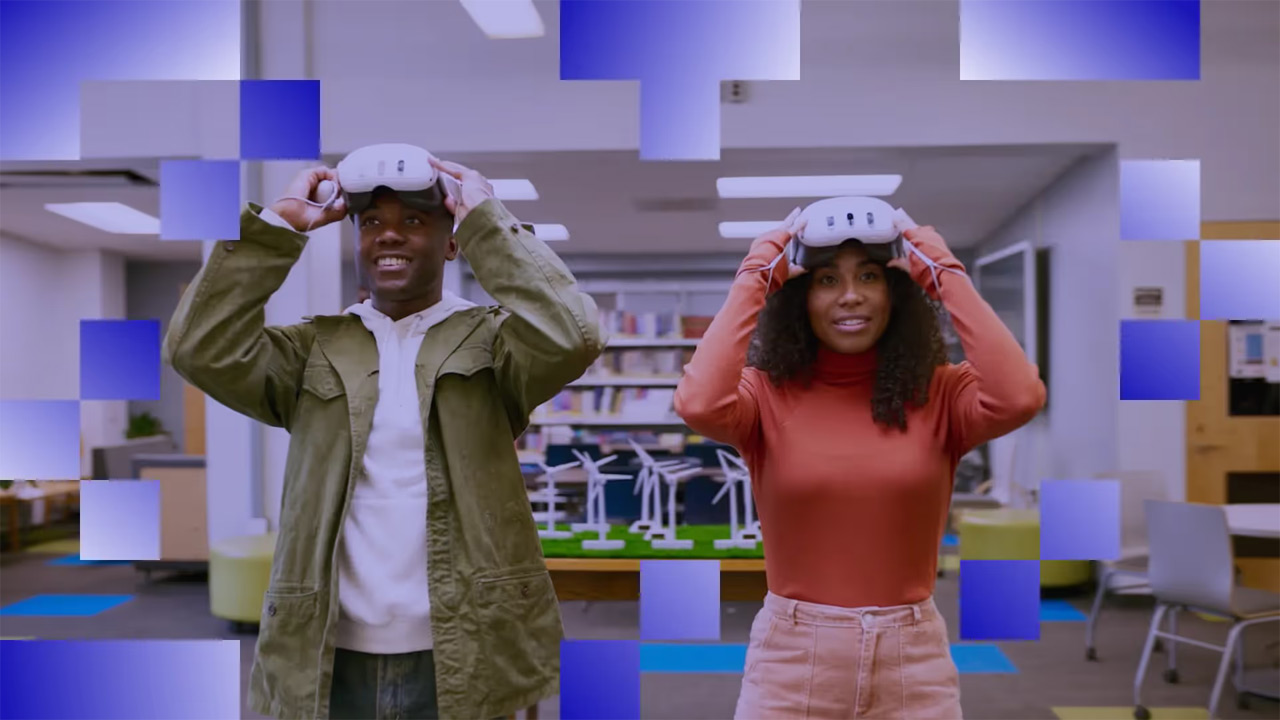
VR that’s ready before the bell rings
Students get the lesson, not the app store. ArborXR locks school headsets to the apps you choose, pushes content to every device in the lab at once, and lets you see exactly what students see, semester after semester.
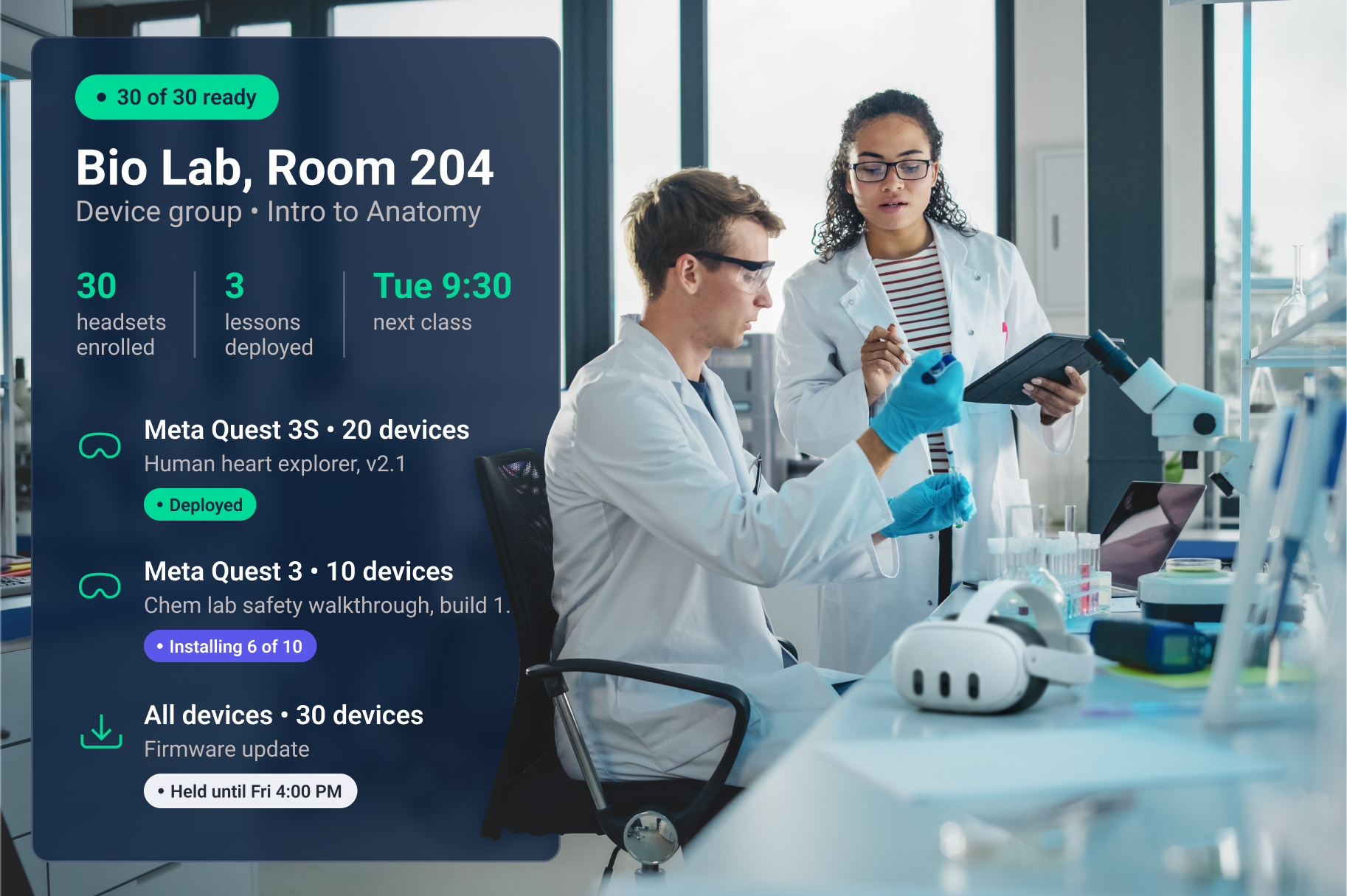
Trusted by 5,500+ organizations and 80+ Fortune & Global 500s
Everything schools need to run XR across campus
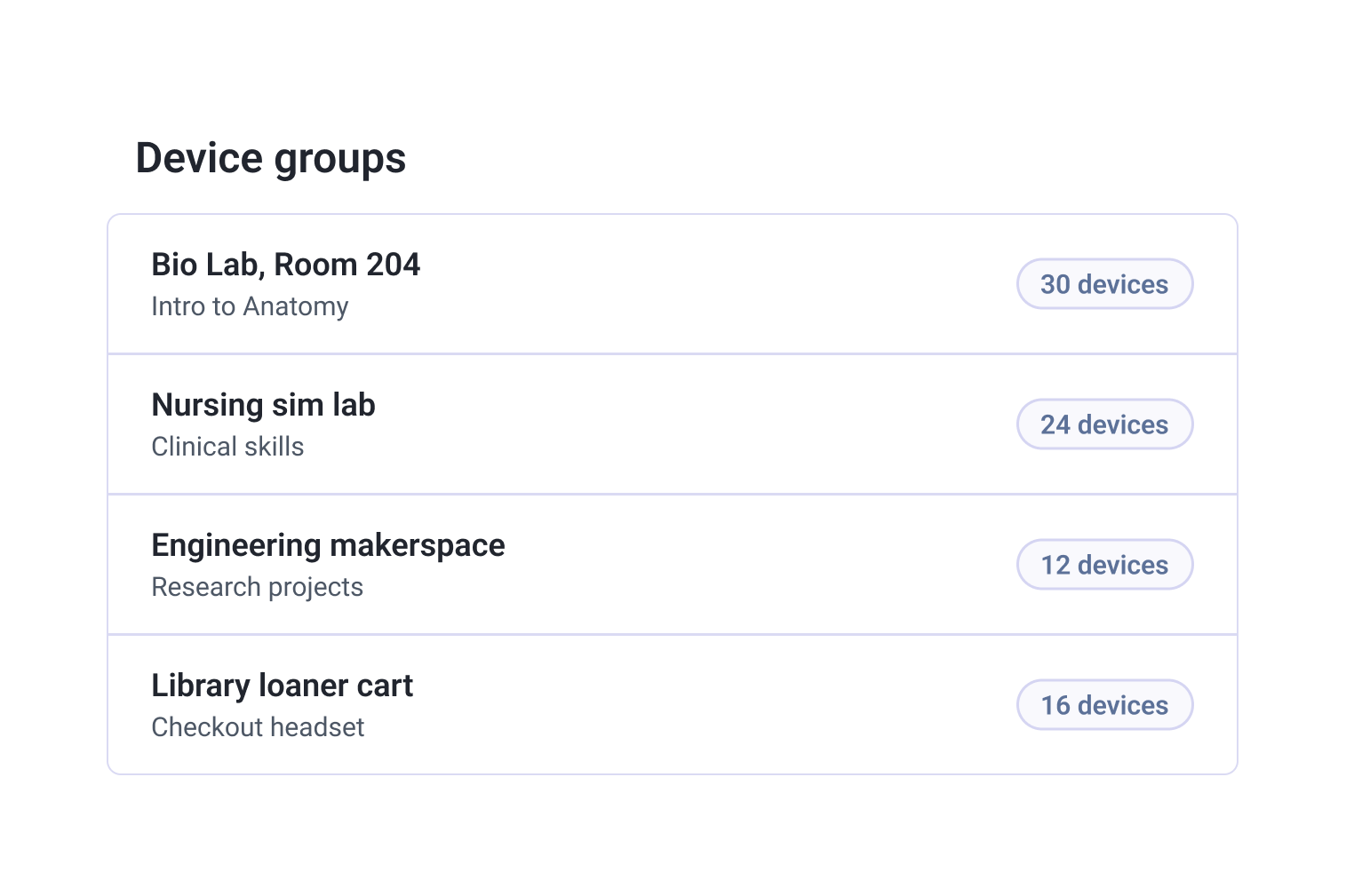
Built for K-12, higher ed, and career programs
Higher ed and research
Run teaching and research on one platform, across departments and labs. Start with one department’s pilot and expand campus-wide without rebuilding anything.
K-12 classrooms
Teachers have a duty of care, and a consumer headset opens a lot of doors. Lock devices to the lesson, keep students in approved apps, and reboot every headset when class ends.
Peak season and new process rollouts
Get associates through peak-season scenarios, resets, and new pickup flows before the rush hits. When the process changes, every store gets the new module the same day.
What VR looks like in practice
“We couldn’t have made our project work without ArborXR. ArborXR gave us a quick & easy way to deploy updates and create a robust kiosked VR experience.”
Interactive DesignMIT
Boston Children’s Hospital
pull a line from the Aug 2026 podcast episode (needs his OK)
EMS instructor and XR champion
Madison College
550+
schooles and universities manage XR with ArborXR
90+
countries with ArborXR customers
3→30
departments using VR at Madison College’s XR Center in three years
Education content running on arborxr
Already have a MDM? Keep it.
Campus and district MDMs see a headset as just another Android device. They can’t lock it into a lesson, launch the same app for a whole class, or show you what a student sees. ArborXR runs alongside the MDM your IT team already uses, and headsets pass Intune compliance through our official Microsoft partnership.
Your UEM Keeps
Device inventory
Compliance and network policy
Identity and accounts
ArborXR Adds
Kiosk mode into a lesson
Remote launch for a whole class
Remote View of what students see
Student privacy questions, answered first
SOC 2 Type II and ISO 27001 certified. Your IT team will want to know where student data lives and who can see it. ArborXR gives you those answers in writing: content in a bucket you control, access by role and department, and audit logs on who did what. Works across Meta, Lenovo, HTC, PICO, Samsung, and Magic Leap headsets, and supports Meta AI glasses through the phones they pair with.Book a demo
What IT gets on day one
SOC 2 Type II report and ISO 27001 certificate, on request
Completed security questionnaire and data-flow overview
Content stored in a bucket you control, in the region you choose
Certificate enrollment for your secure Wi-Fi (SCEP, EST, PKCS, EJBCA)
In-headset and portal SSO, role-based access, audit logs, remote wipe


Common questions from schools and universities
Is ArborXR FERPA compliant?
FERPA compliance belongs to the school, not to any one tool. What ArborXR gives you is control over student data: role-based access so faculty only see their own groups, content and data stored in the region you choose, audit logs, and SOC 2 Type II and ISO 27001 certification your IT team can review.
Do you offer education pricing?
Yes. Schools, universities, and qualifying nonprofits get education pricing, with plans that start small enough for a single classroom pilot. See education pricing for current plans.
How do you keep students out of the app store and browser?
Lock headsets with single-app kiosk mode, or use ArborXR Home to show only the apps you approve. Remote launch puts the whole class in the same app, and you can reboot every headset when class ends.
Can teachers see what students see in the headset?
Yes. Remote View shows exactly what a student is seeing, so you can guide them through an experience or troubleshoot without walking over and borrowing the headset.
How do we get apps onto school headsets?
Developers can share apps with your school directly through ArborXR. You can also add store apps as unmanaged apps, upload your own, and push videos and WebXR, all from the web portal.
Which devices does ArborXR support?
VR and mixed reality headsets from Meta, Lenovo, HTC, PICO, Samsung, and Magic Leap, managed from one console. ArborXR was also the first MDM to support Meta AI glasses, managing the phones they pair with, so a glasses pilot doesn’t need a second tool.