
The trusted partner for enterprise XR programs
Run every headset at every site from one console. IT signs off, learners stay in the right app, and you get results leadership can actually use. Plus a team that picks up the phone.
Prefer to try it first? Get a free trial

All Devices
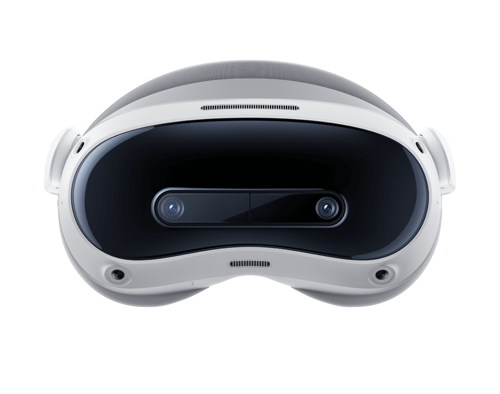
 PICO 4 Ultra
Enterprise
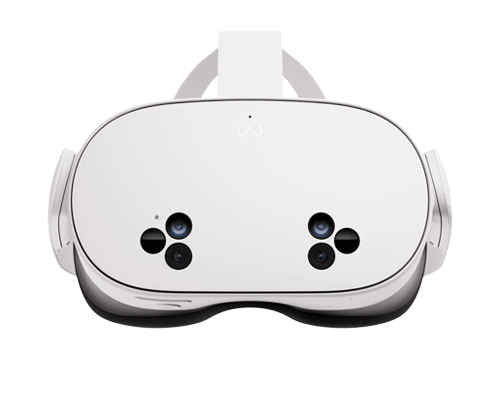
 Meta Quest 3S
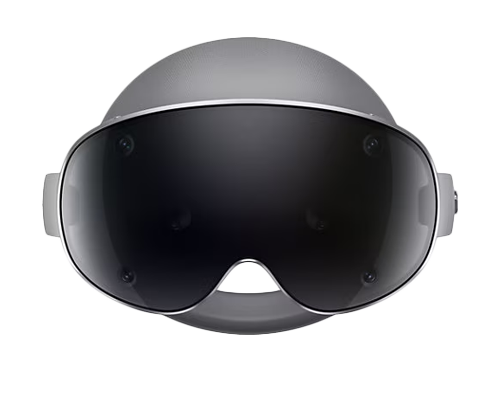
 Samsung
Galaxy XR
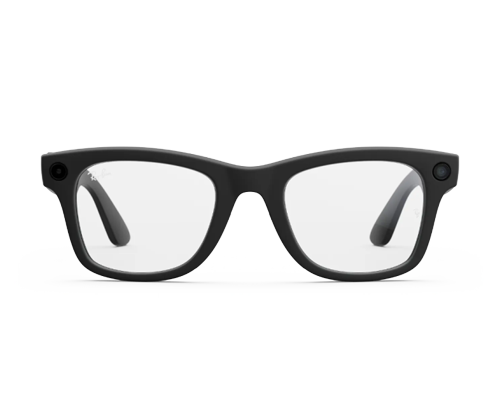 Meta AI Glasses
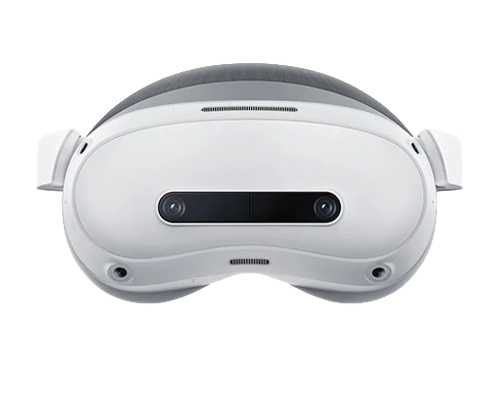 PICO 4
Enterprise
PICO 4 Ultra












Take XR training from one pilot room to every site, with the numbers to prove what worked.
Why do enterprise XR teams choose ArborXR?
Because the pilot was the easy part. Programs stall when nobody can manage the headsets they already have, let alone the next hundred.
A mature platform and an enterprise team behind your program
5,500 organizations, including 80+ Fortune and Global 500s, run XR on ArborXR across 90 countries. You get a platform that has already handled fleets and rollouts like yours, and a team that has done it before, so your program doesn't ride on a vendor still figuring it out.
Training results tied to a person, not a headset
Insights sends per-learner completions, scores and pass/fail to 500+ LMS and BI platforms through SCORM, LTI 1.3 and API. In-headset sign-in means each result attaches to a learner, not a headset serial number.
XR governed like every other managed endpoint
Headsets report device compliance to Microsoft Intune for Entra Conditional Access, sign in through your SSO, and sit behind group-scoped admin roles. IT sets the guardrails once, then hands the keys to the XR team.
SSO, the Microsoft Intune integration and audit logs are on the Enterprise plan.
One platform for your headsets and your AI glasses
Run Meta Quest, PICO, HTC VIVE, Samsung Galaxy XR and Magic Leap 2 alongside AI and AR glasses like Ray-Ban Meta, Oakley Meta HSTN, HTC VIVE Eagle, XREAL One Pro, and more. ArborXR was the first MDM to support Meta AI glasses, with Remote Assistance, POV streaming and two-way audio.
Headset makers, app developers and resellers build on ArborXR
ArborXR is Meta’s official MDM partner and Qualcomm’s preferred MDM. XR developers publish their apps to the ArborXR Directory, and resellers and channel partners deploy it with their customers. Whichever headset, app or partner you pick, it plugs into the platform you already run.
Rated #1 by the teams running enterprise XR




"As we scale XR training across the enterprise, ArborXR stands out as the best enterprise MDM solution on the market."

Mohsen Khurasany,
Senior Manager, XR Innovation & Content, Walmart
"What used to take days, can now take hours."
"Being able to group and change on the fly makes this software a must for anyone dealing with multiple devices."
"The interface is excellent, and it's very easy to use."
How does ArborXR compare to other ways of managing headsets?
Most programs start on one of these. Here’s where each fits, where it falls short, and why it pays to start on ArborXR from the first headset.
Questions buyers ask about ArborXR
What is ArborXR?
ArborXR is software your team uses to run a fleet of VR and AR headsets from a web browser. You enroll devices, push apps, videos and updates, lock headsets into a single app or a custom launcher, help a user remotely and see which headsets were used and for how long. It covers what happens after the headsets arrive: content, learners, sites and IT.
What is VR MDM?
VR MDM (mobile device management for VR) is software that enrolls, configures, updates and secures VR headsets remotely. Enterprise teams also use it to deliver content, lock headsets into kiosk mode and see usage. ArborXR covers VR and AR headsets and industrial wearables in one console, which is why we call it the operations platform for enterprise XR.
Do we need ArborXR if we already use Intune?
You run both. Intune keeps managing phones and laptops, and ArborXR runs the headsets: enrollment, kiosk modes, content and in-headset sign-in. ArborXR is an official Microsoft Intune Device Compliance partner, so headset compliance status feeds Intune conditional access. Microsoft allows one third-party Android compliance partner per tenant. Workspace ONE, Jamf, Ivanti and SOTI shops run ArborXR alongside their UEM.
Which headsets does ArborXR support?
ArborXR supports standalone Android-based VR and AR devices, including Meta Quest, PICO, HTC VIVE, Samsung Galaxy XR, Play For Dream, DPVR, Magic Leap 2, Vuzix, RealWear, XREAL One Pro, DigiLens ARGO, METALENSE 2, and more. Mixed models can sit in the same device group. Apple Vision Pro support is in progress and not available yet. See full list here: https://arborxr.com/supported-devices
How much does ArborXR cost?
ArborXR is priced per device, per month, billed annually. Business plans are Starter at $7 and Essential at $10, with Enterprise priced on request. Education plans start at $4. You can start a free trial with no credit card.
Is ArborXR secure enough for regulated industries?
Yes. SOC 2 Type II and ISO 27001 certified, GDPR compliant, built to give healthcare and education teams the controls to run XR programs in HIPAA- and FERPA-regulated environments. Content can sit in your own storage bucket in your chosen region, and containerized deployment covers air-gapped environments. The control plane runs in the US. ArborXR is not FedRAMP authorized.
How long does it take to get headsets running?
Setup time depends on fleet size and your corporate network. Configuration packages bundle Wi-Fi, certificates, group and environment so each headset enrolls in one pass, and resellers can ship devices already enrolled. Meta Quest enrolls through Meta Horizon managed services.
Book a demo built around your program
Tell us about your headsets, your sites and your IT requirements. We'll show you how your team would run it on ArborXR, or you can start a free trial and try it on your own headsets first.
Prefer to try it first? Get a free trial
SOC 2 Type II and ISO 27001 certified, GDPR compliant, built to give healthcare and education teams the controls to run XR programs in HIPAA- and FERPA-regulated environments.
Works with Meta Quest, PICO, HTC VIVE, Samsung Galaxy XR, Magic Leap 2, RealWear and other standalone Android-based AR and VR devices.
